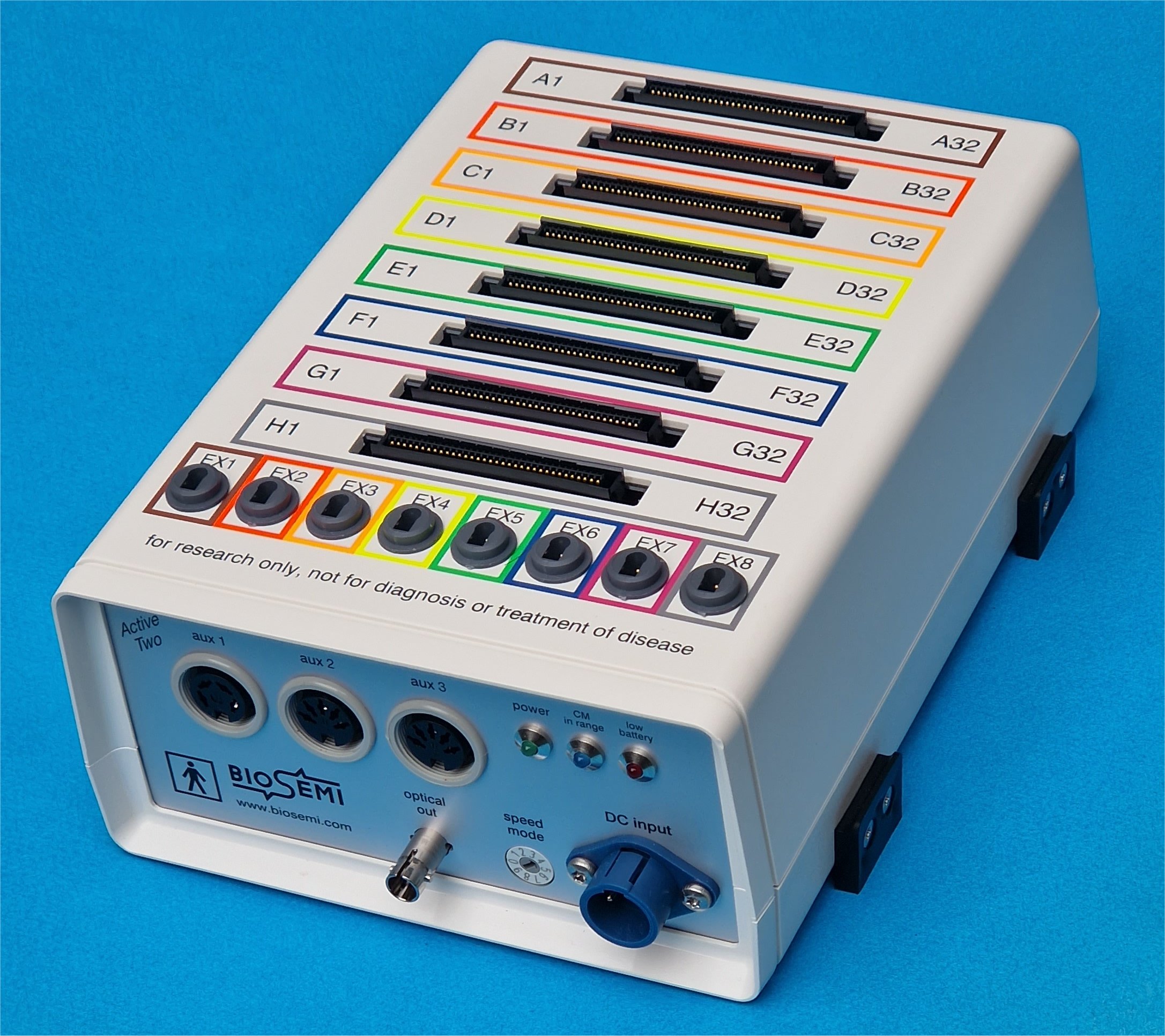
| |
| |
 |
 |
| I already have an Active2 or Active2.5 system. Can I use my old electrodes and CMSDRL set in the Active3? |
| |
| Can use in Active2?
|
Can use in Active2.5?
|
Can use in Active3?
|
|
| set with MK2 connector and green PCB |
| Yes |
No (too old for conversion to MK3) |
No (green PCB does not work in Active3) |
|
| set with MK2 connector and red PCB |
| Yes |
Yes (only after converting connectors to MK3) |
Yes (only after converting connectors to MK3) |
|
| set with MK3 connector and green PCB |
| No (because Active2 uses MK2 connectors) |
Yes |
No (green PCB does not work in Active3) |
|
| set with MK3 connector and red PCB |
| No (because Active2 uses MK2 connectors) |
Yes |
Yes |
|
| TP connector with green PCB |
| Yes |
Yes |
No (green PCB does not work in Active3) |
|
| TP connector with red PCB |
|
| CMSDRL cord with DIN4 connector |
| Yes |
Yes |
No (Active3 uses different CMSDRL connector) |
|
| CMSDRL cord with P4 connector |
|
| Active 2 AUX Sensors |
| Yes (Active2 has dedicated sensor inputs) |
Yes (Active2.5 has dedicated sensor inputs) |
No (Active 3 has 6 universal sensors inputs) |
|
| Active 3 AUX Sensors |
| No (Active2 has dedicated sensor inputs) |
No (Active2.5 has dedicated sensor inputs) |
Yes (Active 3 has 6 universal sensors inputs) |
|
|
| The Active2 uses Optical Hyperscanning. The Active3 uses Triggered Hyperscanning. What are the differences? |
With Optical Hyperscanning (Active2), maximum 4 AD-boxes are optically Daisy chained by installing an extra fiber input on every AD-box. All data goes to 1 acquisition PC.
With Triggered Hyperscanning (Active3), each subject has its own acquisition PC. The experiment is started by the Master PC. The data is synchronized with standard UTP cables connected to the Hyperscanning version of the USB Trigger Interface. A Triggered Hyperscanning setup can contain an unlimited number of AD-boxes.
| For the Active3, we moved on to the method with the Triggered Hyperscanning because it has the following advantages: |
| - |
The timing accuracy of Triggered Hyperscanning is similar as compared to the timing accuracy obtained with optical Hyperscanning. |
| - |
There are no hardware changes required to enable Triggered Hyperscanning (no installation of the extra optical receiver input is necessary) |
| - |
With Triggered Hyperscanning, the AD-boxes do not need to be in a specific Speedmode. (optical method needed selection with Speedmode switch) |
| - |
Triggered Hyperscanning works up to 16 kHz (Optical Hyperscanning was limited to 2 kHz) |
| - |
Triggered Hyperscanning offers an unlimited number of AD-boxes in the chain (Optical Hyperscanning was limited to four AD-boxes) |
| - |
Triggered Hyperscanning works over various platforms/devices. The Master should be an Active3, but the other devices can be any system that can read in at least 2 trigger lines and has a known file format (e.g. Active3, ActiveTwo, various fNIRS systems, various Eyetrackers, etc.). |
|
| CMSDRL on the front or integrated in the A-set? |
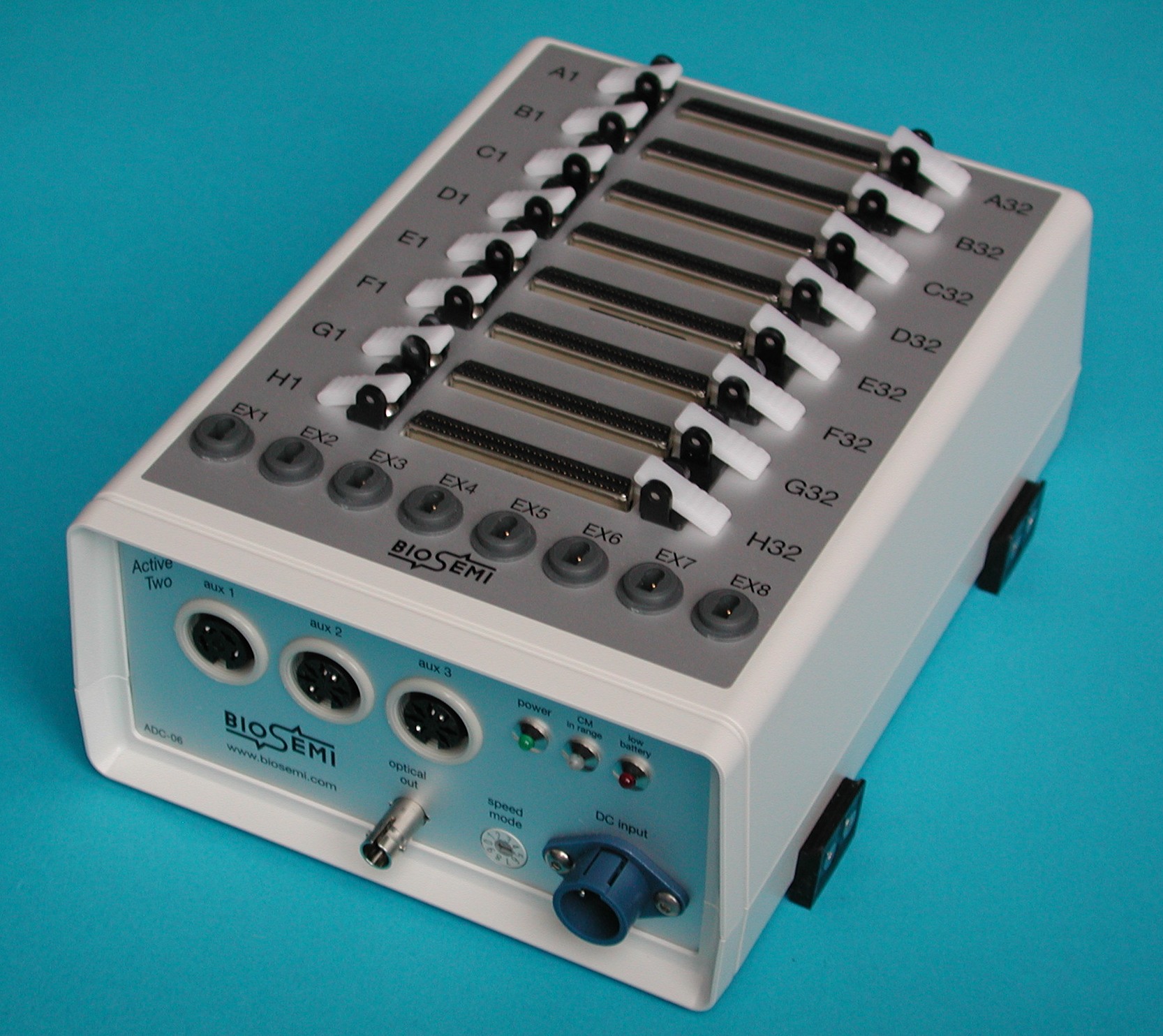
The Active2 offered the possibility to have the CMSDRL electrodes to be integrated in the A-set, or to have the CMSDRL as a separate cord that plugs into the front of the AD-box.
The active2.5 and Active3 systems
only can have the CMSDRL to be connected to the front.
If you want to convert an ActiveTwo system to an Active2.5 system, then this can be done by replacing the TOP PCB as described here
When you decide to have BioSemi convert your Active2 to an Active2.5 system, then BioSemi will also replace all the MK2 connectors of your electrode sets with the new MK3 connectors.
If an electrode set currently has the CMSDRL integrated in the A-set, then we will cut-off the CMS and DRL electrodes and provide a separate CMSDRL PIN cord (plugs into the front of the AD-box). If you want to convert your Active2 AD-box into an Active2.5, and your Active2 AD-box currently does not has a CMSDRL input, then 1 of the other sensor inputs will have to be removed in order to create a CMSDRL input. With the Active2.5 (and also with the new Active3) it is no longer possible to have an A-set with integrated CMSDRL. |
| How about the compatibility of ActiView? |
For the Active3, there is new ActiView, version10
The controls and file format of ActiView10 are the same as the previous version.
|
| What are the differences between the ActiveTwo/Active2.5 and the Active3 system? |
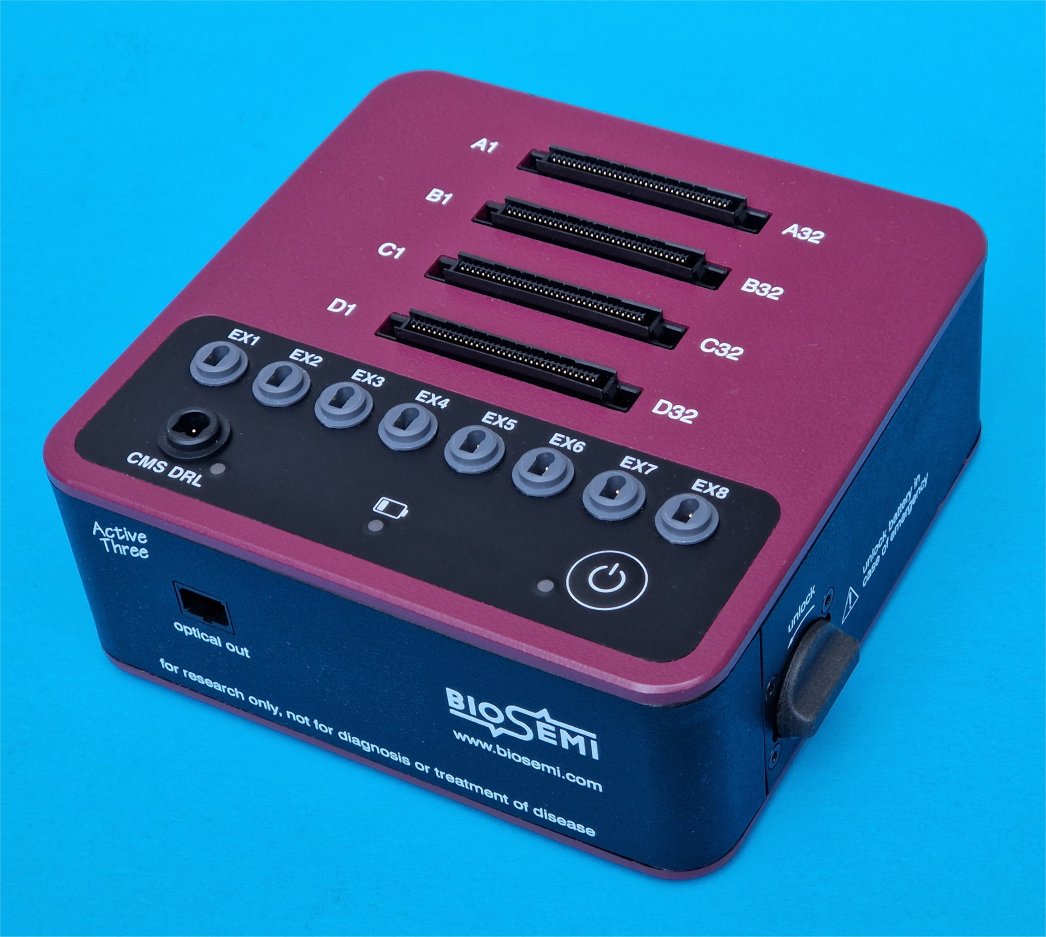
- The Active3 is a technologically newer and more advanced system than the ActiveTwo and Active2.5
-
On the Active3, electrode sets with integrated CMSDRL are not possible anymore.
-
The Active3 has MK3 connectors, a more compact housing and a new battery setup.
- The Active3 uses an optical fiber with SC connectors instead of ST connectors.
- The Active3 uses SAR ADC conversion.
- The Active3 uses ActiView10 (ActiveTwo and Active2.5 use ActiView9)
-
For in-dept technical details of the new Active3 system see here: Active3 Advertorial |
| Electrode sets with green or red PCB's |
Electrode sets with green PCB's (produced before May 2024) will not work in the new Active3 system (not even after upgrading to an MK3 connector)
- Electrode sets with green PCB's can only be used in the Active2 and Active2.5 systems. They can not be used in the Active3. (not even after upgrading to an MK3 connector)
Electrode sets produced after April 2024 are made with red PCB's:
- Electrode sets with red PCB's can be used in the Active2, Active2.5 and Active3.
You can read more about the upgrading of an Active2 to an Active2.5 here.
|
|